
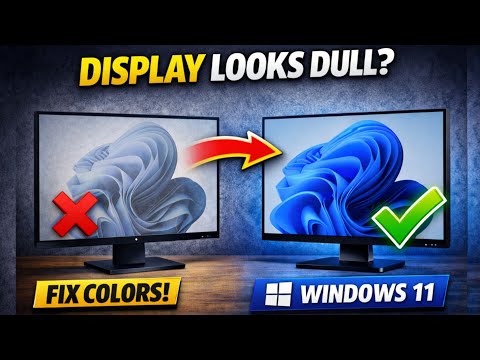
How to Calibrate Display Colors in Windows 11 (Fix Washed Out & Dull Screen)
Is your Windows 11 display looking dull, washed out, or color incorrect?
Incorrect gamma, brightness, contrast, and color balance settings are the most common reasons behind poor screen quality.
In this video, I’ll show you the easiest and built in way to calibrate display colors in Windows 11 using the official Display Color Calibration tool, no third party software required.
This step by step guide works on Windows 11 laptops, desktops, and external monitors, and is perfect for video watching, photo editing, office work, and everyday use. If your screen doesn’t look right after a Windows update, or you feel your display quality has dropped, this tutorial will help you restore natural colors and better visual comfort in just a few minutes.
#windows11 #displaycalibration #fixdisplay #screencolor
#gammacalibration #windowstips #pcdisplay #pctricks
Benq P02705U cinematic colour setting send
Benq P02705U cinematic colour setting send
Why there is no slider ? How can I control, I mean adjust that contrast & brightness section?
When I’m increasing & decreasing brightness of screen the whole screen brightness is changing not impacting that image to adjust!
How to adjust that ?
Is it ok to keep the colour callibrated the whole time .. I just bought a lenovo idea pad slim 3 and it’s display is a bit washed so is it ok to change the gamma level in the long run or will it be harmful
Thank you worked for me😊