
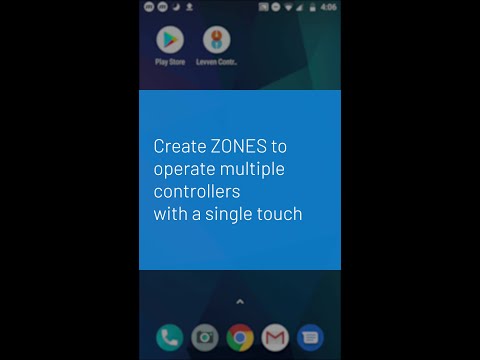
The Levven smart lighting app connects to all the Levven switches and controllers in the home via the Levven Q gateway.
Create a zone with two or more lights in the Levven app.
Using zones, all the lights in the area can be turned on or off with a single touch. Zones can include all the lights in a room (e.g. a Kitchen Zone), all the lights in an area (e.g. Outdoor Lights), or all of the lights in the entire home (e.g. a master zone that turns all the lights on or off with one touch).
View other Levven support videos and guides at levven.com/support.
Be the first to comment