
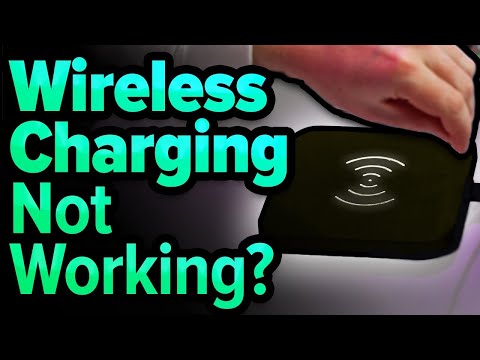
David and David explain what to do when iPhone wireless charging is not working. There are a lot of different things that can cause this problem.
Make sure your iPhone and charging pad are clean, and that your iPhone is directly in the center of the pad. If you use a thick iPhone case, try taking it off.
It’s also possible a software issue is causing the problem. Make sure to restart your iPhone is the display is on, or hard reset it if its totally unresponsive.
1. Introduction [0:00]
2. Take Your iPhone Out Of it’s Case [0:39]
3. Place Your iPhone In The Center Of The Charging Pad [1:10]
4. Wipe Off Your iPhone And Charging Pad [1:31]
5. Try A Different Cable, Charger, And Power Outlet [1:48]
6. Hard Reset Your iPhone [3:36]
7. Replace Your Qi Charger Or Power Adaptor [4:32]
📱 Get a new iPhone case:
🔋 Get a new wireless charger:
Learn more about what to do when your iPhone won’t wireless charge:
Visit for more iPhone help, tips, and tricks!
Get Social With Payette Forward:
On Facebook:
On Twitter:
On Instagram:


FIX your SOUND!!
What a total waste of five minutes.
I learned nothing
one major issue which i faced with iphone 15 while in wireless car charging that their design is not suited for it,coz the moment we lay down the phone on the car wireless charger it is not evenly flattened on the surface but due to the bulged out camera lenses top half is always creating space and not touching the flat surface of the wireless car charger ….pls help on this issues…
Technology sucks
Or Apple can just make better phones. POS’s