
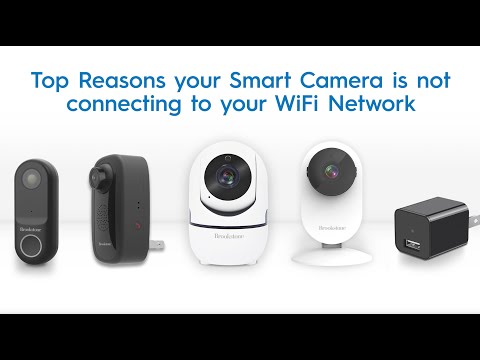
This video goes over the most common reasons why your smart camera will not connect to your WiFi Network and how to resolve them.
00:00 – Intro
00:10 – Camera may be too far away from the Router and Modem
01:38 – Power Cycling you Modem, Router, Smart Camera and Smart Phone
03:07 – Using a 2.4GHz WiFi Network, instead of a 5GHz WiFi Network
04:00 – Typing the incorrect password for WiFi Network
04:27 – Smart Camera in the correct Set Up Mode
05:00 – VPN must be disabled on your Smart Phone
Music from #Uppbeat (free for Creators!):
License code: QSOLCO8M46ZRXGZ0
Be the first to comment