
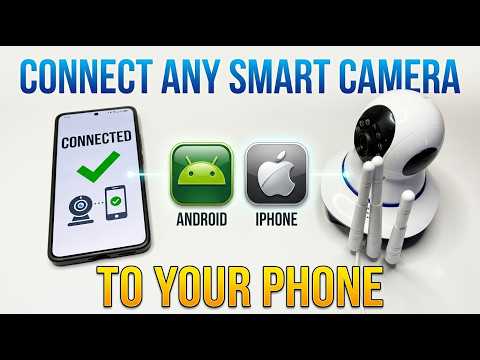
Are you having trouble connecting your smart security camera to your smartphone? In this step-by-step tutorial, I’ll walk you through the setup process, including finding the correct app, enabling essential phone permissions, and connecting to a 2.4GHz Wi-Fi network!
In this video, you will learn:
How to find the official camera app via QR code or model name.
Enabling critical permissions (Bluetooth, Location, Nearby Devices).
Signing in via Google or Apple account.
Adding your smart camera to the home menu.
Important fix: Connecting to 2.4GHz Wi-Fi instead of 5GHz.
Live stream controls, rotating the camera 180°, and turning on audio.”
#SmartCamera #SecurityCamera #CameraSetup #WiFiCamera #SmartHomeTutorial #TechHelp #CameraFix #SmartCameraApp #WirelessCamera #TechTutorial
Be the first to comment